

目录
相关新闻

How Should You Specify a Control Panel Cable Assembly?
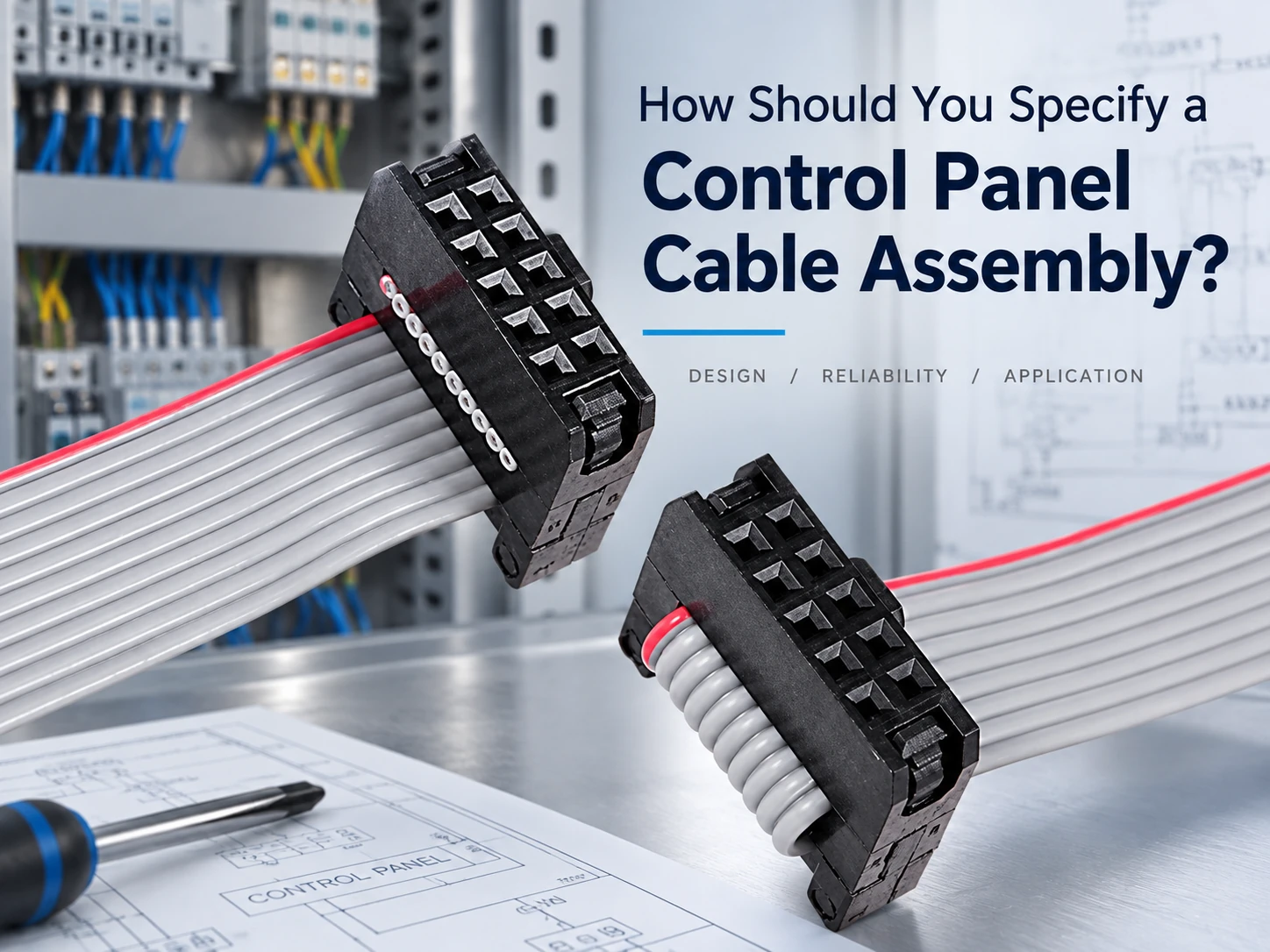
A control panel cable assembly specification starts with the panel’s circuit map, not with a cable catalog. The drawing has to show how power, control, analog, and communication circuits reach their endpoints, then translate that map into conductor, connector, routing, and release requirements. This order keeps the finished control panel assembly tied to the industrial control panel it serves.
Build the Specification From the Panel’s Circuit Map
A circuit map gives every conductor a job. Start with the devices and terminal blocks, then assign each path to one circuit class: power, control, analog or sensor, and communication or PLC. The class determines which drawing fields matter most.
Power Circuits Set Conductor and Terminal Requirements
Power circuits carry the first constraints: voltage, current, conductor construction, terminal type, and strain relief. Record conductor size and insulation, terminal or contact, polarity, and retention method. When the circuit feeds a motor, heater, or drive, mark the route and the separation from signal wiring.
A 24V control supply and a 120V fan circuit can sit in the same panel, but the drawing should treat them as separate circuit groups. Record the source, return, overcurrent protection, terminal block, conductor appearance, and separation point for each one. When a power conductor crosses a signal area, show whether it passes through a separate duct, uses a barrier, or follows a defined clearance.
The terminal record should match the device at the endpoint. A relay coil, a power distribution block, and a field terminal may require different terminal types, wire ranges, and strain relief. If the panel uses ferrules, ring terminals, or a specific crimp profile, put that requirement on the drawing rather than leaving it to the assembler.
Control and PLC Circuits Set Keying and Identification
Control circuits connect relays, switches, PLC modules, and I/O points. The drawing needs a pin map, cavity numbers, keying, wire colors or labels, and a clear return path. A PLC cable should identify the controller module, field terminal, and signal direction so the assembler can trace every conductor without guessing.
For a PLC input, distinguish sensor supply, signal, and common return. For a relay output, show the contact side and the load side. A wire color alone is not a circuit definition; the drawing should pair color or label with cavity number, terminal position, and function so the same assembly can be checked by a second person.
电缆 can build the harness around the approved PLC cable map and connector set. The drawing remains the controlling document: it tells the supplier which conductor reaches which terminal, which contacts are keyed, and which identification must appear on the finished assembly.
Analog and Communication Circuits Set Shielding and Separation
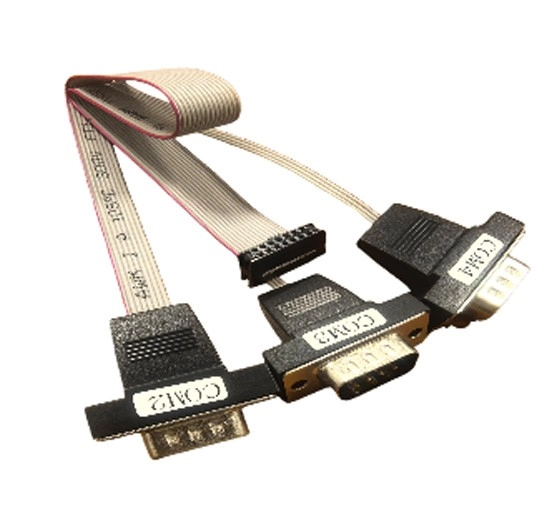
Analog and communication paths are more sensitive to electrical noise. Define the shield, drain, grounding method, pair assignment, and route away from switching power conductors. A multi-serial port flat cable assembly can organize several PLC and industrial-PC serial connections when the panel needs multiple communication ports. LEOCABLE’s 2.54mm IDC flat cable assembly supports 6–64P configurations and uses UL2651 28AWG flat cable with 2.54mm IDC connectors.
A 4–20mA loop, encoder line, thermocouple lead, and serial link do not share the same shielding and return assumptions. Define where the shield terminates, whether the drain is isolated, how the signal return is routed, and where the cable crosses power conductors. The approved sample should show the same shield termination and connector orientation that production will use.
Translate the Panel Layout Into Cable Requirements
Once the circuits are classified, the panel layout controls length, protection, and service access. The drawing follows the real route rather than a straight-line estimate.
Set Length, Bend, and Service Loops
Measure from the first connector to the last endpoint along the approved path. Add bend radius, branch points, and service loop. A measured route helps the cable sit close to the panel structure while leaving enough slack to reach the terminal and open the door. A terminal harness provides a practical reference when the panel needs a custom connector-to-terminal configuration.
For a door-mounted operator panel, measure the cable with the door open and closed, then set the service loop at the hinge side. For a fixed terminal block, measure along the duct instead of diagonally across the panel. Record the measurement datum at both ends, the finished length with tolerance, and the point where the service loop is secured.
Length and routing belong together. A long cable that runs through the wrong duct can block a filter or cross a heat sink. A short cable can load the connector when the panel door opens. The drawing should show the route, the bend direction, and the fixing points that keep the cable in the approved position.
Coordinate Separation, Airflow, and Cable Management
Use the governing panel standard to set separation and labeling. Common references include UL 508A, NFPA 79, IEC 60204-1, and the NEC. The drawing should show where high-voltage or switching conductors run, where analog and communication lines run, and where wire duct, tie points, protective wrap, or strain relief begins. This keeps control panel wiring readable and the cooling path clear.
Use separate duct runs for power and signal wiring where the applicable panel standard requires separation. Keep bundles clear of fan intakes, heat sinks, and moving parts. Show how the cable enters and exits each duct, where ties or mounts are allowed, and how the protective wrap or sleeve is terminated.
Label both ends and any branch point. A label that only identifies the cable number is less useful than one that also gives the panel location or device function. Consistent identification helps inspection, maintenance, and replacement without requiring a technician to trace every conductor.
Use the RFQ to Freeze the Controlled Definition
The RFQ carries the circuit map, panel layout, connector details, and release evidence into one reviewable package. The supplier can then quote the actual assembly.
Drawing, BOM, and Pin Map
Send the current drawing revision, connector and terminal part numbers, wire list, pin map, label schedule, and routing diagram. State the voltage, current, temperature, and environmental conditions that apply to the route. LEOCABLE’s ODM/OEM process can review the drawing and sample before scalable production, keeping the panel assembly and cable release on the same revision.
The BOM should identify connectors, terminals, seals, labels, sleeves, branch points, and any mounting hardware that belongs to the cable assembly. The pin map should show both ends, the circuit function, and the wire or conductor identity. If the same connector family appears more than once, give each instance its own reference so the drawing cannot be read ambiguously.
Add the applicable panel standard or customer specification to the RFQ package when it governs separation, labeling, or conductor identification. The supplier can then confirm whether the proposed cable construction supports the requirement before the sample is built.
Sampling, Testing, and Release
Approve a sample with the final connector orientation, length, labels, and routing. Test continuity, pin mapping, polarity, retention, strain relief, and any shield or insulation requirement. LEOCABLE uses 100% per-unit testing as the production baseline, so the approved test method follows every control panel cable through release.
Compare the first article with the approved sample for length, keying, label placement, terminal orientation, and routing direction. Record any deviation with its disposition. The test record should identify the drawing revision, tester or fixture, measured result, acceptance limit, and the unit or lot covered.
Conclusion
A control panel cable assembly specification becomes usable when the panel’s circuits, layout, and release evidence appear on one controlled drawing. Start with the circuit map, translate it into conductor and route requirements, then approve the sample and production test. Send the panel drawing, circuit list, connector and pin details, routing path, sample requirements, and target quantity to LEOCABLE for a technical review.
FAQs
Q1: How should I group circuits in a control panel cable specification?
A1: Separate power, control, analog or sensor, and communication or PLC paths, then define conductor, connector, shielding, and identification requirements for each group.
Q2: What belongs on the cable routing drawing?
A2: Show the approved route, finished length, bend points, service loops, separation from noisy circuits, cable management points, and strain relief.
Q3: What should the supplier receive with the RFQ?
A3: Send the drawing revision, BOM, pin map, wire list, label schedule, environmental conditions, test method, sample requirements, and target quantity.