

目录
相关新闻
Which Internal USB 2.0 Cable Assembly Fits Your Equipment?
Begin with the board, not the cable. A 2.0 mm header and a 2.54 mm header can look almost identical in a photo, yet each one has its own housing. Check the board drawing, header footprint, pin-1 mark, and the space around the connector before choosing the internal USB 2.0 cable.
Read the Board Header First
The USB 2.0 internal header sets the board-side connector for the whole assembly. On many industrial boards, this is a 9-pin header carrying VCC, D-, D+, and GND. The pin order is standard, while the housing and pitch change with the board design. The cable drawing and board drawing need the same pitch, pin count, keying, and mating direction.
2.0 mm and 2.54 mm Are Different Fits
A 2.0 mm header and a 2.54 mm header take different connector housings. 电缆‘s industrial-grade internal USB 2.0 header cable supports both 2.0 mm and 2.54 mm pitch options, so board pitch is the first item to confirm. If the board uses a shrouded header, check shroud height and latch clearance as well. A sample board or board file gives the assembly team the exact geometry.
Measure the board header from the drawing or a sample board. If the header has a shroud, the cable housing must clear the shroud and allow the latch or keying feature to engage. If the board has a 2.54mm header, the wider housing changes the bend space beside the connector. The cable drawing should show the first bend direction, not only the connector position.
Pin 1 Sets the Cable Direction
Pin 1 gives the cable its reference point. Match the pin-1 mark on the board with the mark on the cable connector, then follow the board manual for VCC, D-, D+, and GND. In a compact enclosure, the cable may approach the header from below a card or beside a drive bay. That approach angle determines whether the connector housing needs a straight or angled exit. For a deeper pinout check, the USB 2.0 header pinout guide walks through the VCC, D-, D+, and GND arrangement.
A cable that approaches from the left and a cable that approaches from the right can need different connector orientation. Show the header direction, the first bend, and any component or chassis edge that limits the route. This is especially useful when the cable passes under an expansion card or beside a drive bay.
Confirm 9-Pin and 5-Pin Header Roles
A 9-pin USB 2.0 header commonly supports two USB ports, while a 5-pin header often supports one. The board manual and port map settle which format the equipment uses. The LEOCABLE header-to-bracket cable uses a 9-pin DIP male connector, so the board-side format and the intended port count need to match before the assembly is released.
A 9-pin header commonly serves two USB ports, while a 5-pin header commonly serves one. If the equipment needs two service ports, a single-port cable cannot provide the same function. The port map should name each port, the device it serves, and the board location so the cable length and bracket layout can be checked before sampling.
Check USB 2.0 Speed and Power
USB 2.0 supports up to 480Mbps, and a common power reference for devices is 5V/500mA. The cable selection should match the peripheral current requirement and the board supply available. Maintenance tools, barcode scanners, and software dongles usually fit this profile, while higher-bandwidth cameras or storage devices may need a newer USB standard.
Match the cable to the peripheral. A barcode scanner, programming dongle, keyboard, or maintenance tool may need only a modest current, while a storage device can draw more. Confirm the board supply and the device requirement before selecting the cable. USB 2.0 fits many maintenance and service ports; a high-bandwidth camera or high-speed storage device may need a newer USB standard.
Choose the Port by Service Access
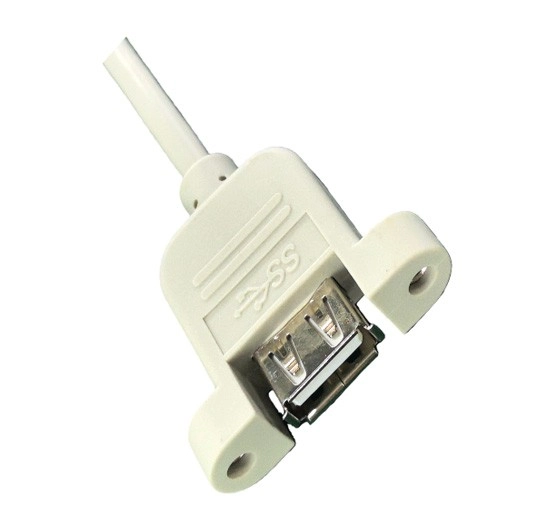
The board side is fixed; the equipment side depends on where a technician will plug in a device. A rear bracket keeps service ports at the back of an industrial PC or server. A panel mount USB cable brings the connection to a cabinet door or operator panel. A Type-C or Dupont cable fits an internal module or a device interface that already uses that connector family.
- Rear expansion slot: choose a bracket cable and confirm bracket size, port count, header pitch, and rear clearance.
- Cabinet door or operator panel: choose a panel mount USB cable and confirm cutout, M3 fixing, cable length, and service access.
- Internal module: choose a Type-C or Dupont cable only when the mating connector and pin order are already defined by the device.
Rear Bracket Cable for Industrial PCs and Servers
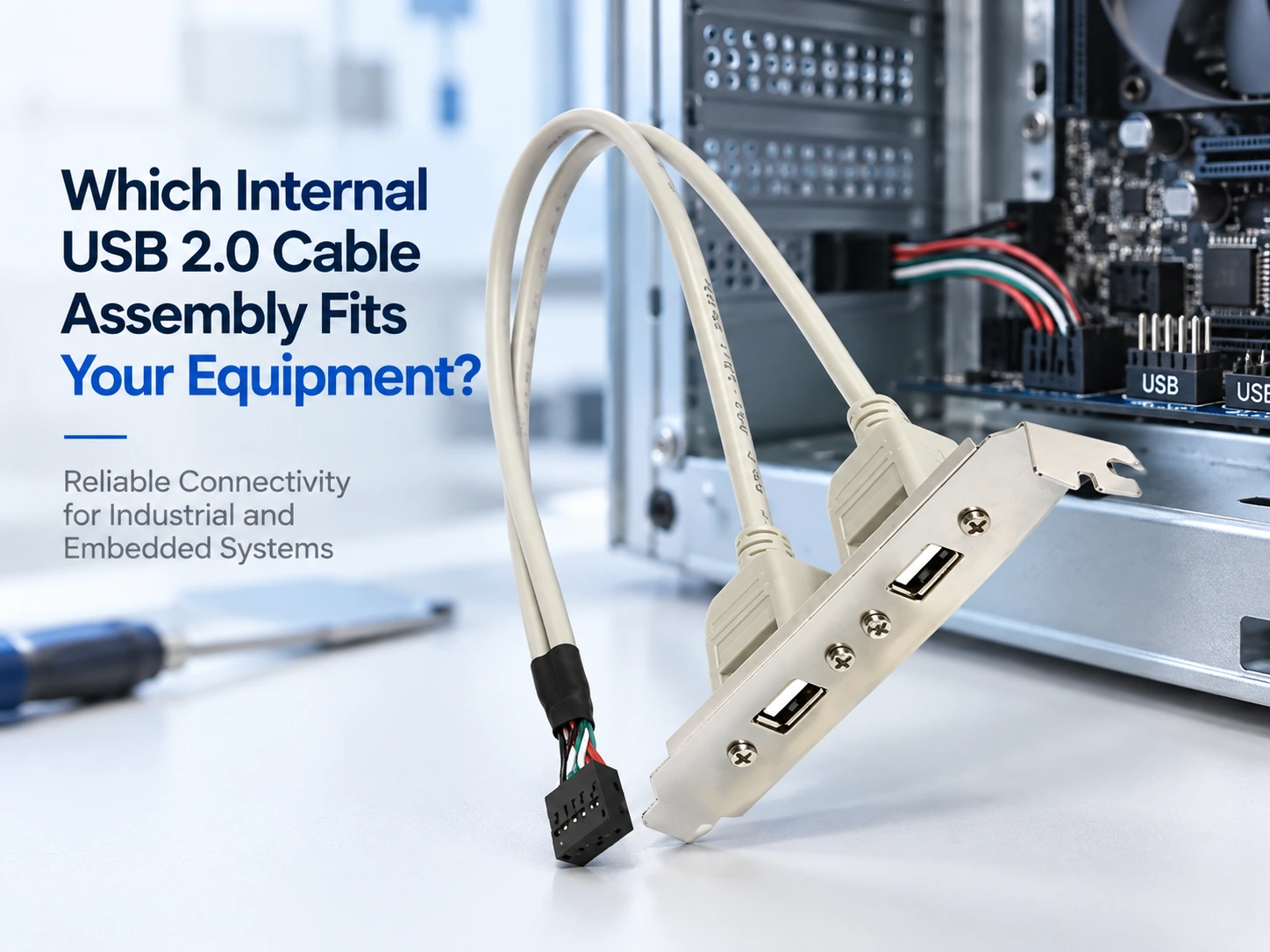
这 industrial-grade internal USB 2.0 header to dual-port Type-A bracket cable suits equipment that needs two rear USB ports. A 9-pin DIP male connector with gold-plated contacts plugs into the motherboard header, and a metal bracket carries two USB 2.0 Type-A female ports. The assembly supports 480Mbps data transfer and 5V/500mA power, with custom cable lengths and 2.0 mm or 2.54 mm pitch options. Shielding combines foil around each pair with an overall braided shield, a useful detail when the cable runs near drives or power wiring.
Check the bracket width, screw spacing, port count, and rear-panel opening against the chassis drawing. If the bracket carries two ports, confirm that both ports are required and that the cable can reach the board header without a sharp bend. The bracket orientation and port labels should appear on the approved drawing.
Panel Mount USB Cable for Cabinet Doors
A. panel mount USB cable makes sense when the port belongs on the outside of the enclosure. The panel mount USB 2.0 Type-A female extension cable uses an M3 nut mounting specification, gold-plated contacts, flame-retardant PVC housing, and a custom cable length. It supports 480Mbps data transfer and gives service technicians a port they can reach without opening the cabinet. Cable length follows the distance from the board header to the panel cutout, with enough slack for the panel to open in service.
For a door-mounted port, measure the cable with the door closed and open. Put the service loop where the hinge movement will not pull on the board header. Check the panel cutout, M3 fixing, connector orientation, and label placement before the sample is approved.
Type-C or Dupont for Module-Level Connections
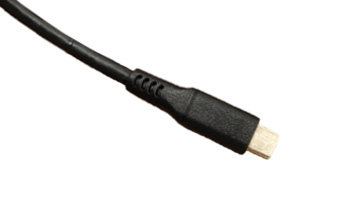
Some equipment pairs the board header with a Type-C device or a module that uses a 2.54 mm Dupont interface. The 专业USB 2.0 Type-C转DIP连接器电缆 joins a right-angle USB 2.0 Type-C male connector to a 2.54 mm Dupont terminal and supports 480Mbps data transfer. Choose this format when the mating connector is already defined by the device. The cable drawing should show the Type-C orientation, Dupont pin order, and mounting method.
For a right-angle Type-C connection, state whether the exit points upward, downward, left, or right relative to the module. For a Dupont connection, show the pin order and any keying or latch feature. These details determine whether the cable can close inside the enclosure without a sharp bend or a reversed connection.
Shape the USB 2.0 Cable Components Around the Route
The internal USB connector starts the assembly, while the cable components determine how the finished part behaves inside the enclosure. VCC, D-, D+, and GND travel through the same jacket. The data pair needs consistent impedance, and the shield needs a defined termination path. The drawing can assign the wire, shield, drain, jacket, strain relief, and connector materials to specific locations in the build.
Cable Length and Bend Path
Measure the route from the header to the bracket or panel, then include the bend radius and the space required for service. A custom length keeps the cable close to the chassis and gives the route a defined shape. The route can also keep the data pair away from motors, drives, and switching power supplies where the enclosure layout allows separation. The sample build confirms the final length and bend path before production.
Measure from the board header to the external port along the real route. Include the first bend, any chassis crossing, the service loop, and the final connector approach. A cable that is long enough for assembly but short enough to stay close to the structure is easier to secure and easier to replace.
Shielding, Contacts, and Strain Relief
The header cable’s shielding includes aluminium-foil pairs and a braided overall shield. Gold-plated contacts support a stable low-resistance connection, and the metal bracket or M3 panel fixing holds the external port in place. Strain relief belongs where the cable leaves the header, passes through a bracket, or terminates at a panel port. These details keep the assembly stable through installation, maintenance, and repeated handling.
Route the data pair away from motors, drives, and switching supplies where the enclosure permits separation. Terminate the shield according to the approved drawing, and keep the shield path continuous through the connector or drain point. Strain relief at the header, bracket, and panel entry protects the termination during installation and service.
Approve a Sample, Then Keep the Revision Fixed
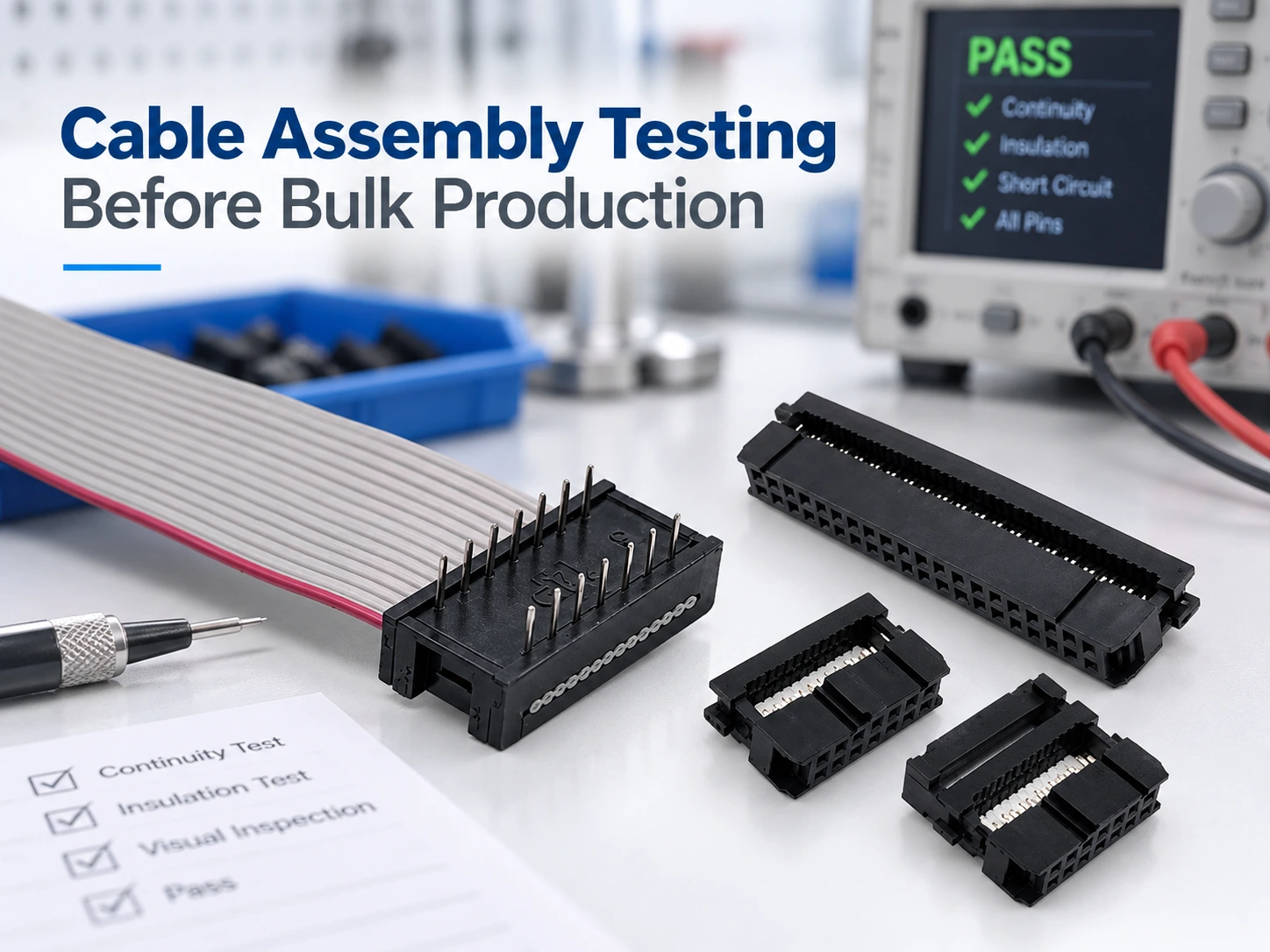
A sample confirms the full combination: board header, cable length, external interface, routing direction, and peripheral behaviour. Test device recognition, data transfer, and power delivery with the intended peripheral. Record the sample ID, drawing revision, and test method. LEOCABLE’s ODM/OEM process provides initial samples for customer testing and formal approval before scalable production, and its production baseline includes 100% per-unit testing. The approved sample and test record then travel with the production drawing.
Sample Approval and Test Coverage
Build a sample with the final board header, cable length, external interface, and routing direction. Test device recognition, data transfer, and power delivery with the intended peripheral. Record the sample ID, drawing revision, test method, and any approved deviation.
Lock the Final Configuration
The production drawing should show the board-side connector, panel-side connector, pinout, cable length, shield construction, labels, and mounting hardware. Keep the approved sample and test results with the drawing revision. If the board header, panel cutout, or peripheral changes, the cable gets a fresh review before the next order. A fixed revision keeps the internal USB cable assembly consistent from one build to the next.
Keep the production drawing, approved sample, and test record on the same revision. LEOCABLE uses 100% per-unit testing as the production baseline, so the approved test method can follow every internal USB 2.0 cable through release.
Conclusion
Select an internal USB 2.0 cable by matching the board header first, then choosing the rear bracket, panel mount USB cable, or Type-C/Dupont interface that fits the service access. Set the USB 2.0 cable components, cable length, shielding, and strain relief around the real installation route. Approve a sample and keep the 100% per-unit testing baseline through production. Send the board header drawing, panel interface, cable length, peripheral requirements, and target quantity to LEOCABLE for a technical review.
FAQs
Q1: How do I confirm the right USB 2.0 internal header?
A1: Check the board manual, header pitch, pin count, pin-1 location, keying, and connector orientation. Use the approved board drawing or a sample board before production.
Q2: When should I choose a panel mount USB cable instead of a bracket cable?
A2: Choose a panel mount USB cable when the port must be accessible from the enclosure door or control panel. Choose a bracket cable when the port belongs in a rear expansion slot.
Q3: What should be tested before internal USB cable production?
A3: Test device recognition, data transfer, power delivery, connector fit, and strain relief with the intended peripheral. Record the approved sample and test method before production.