

目录
相关新闻
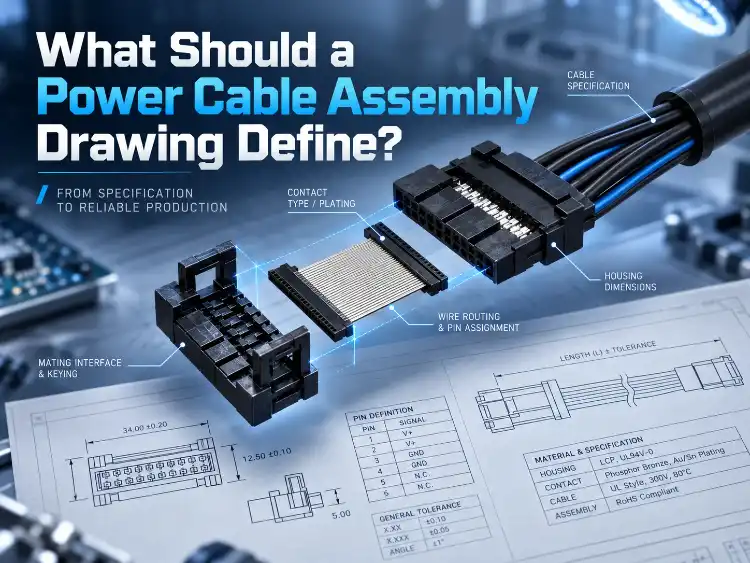
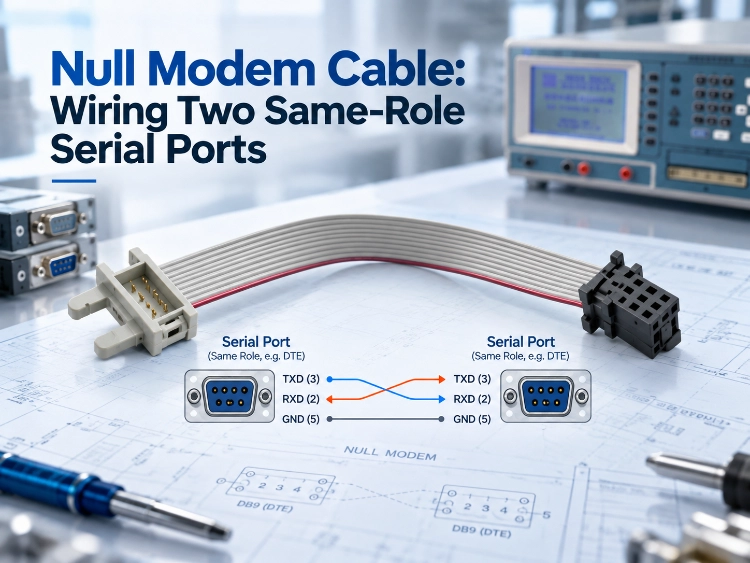
Null Modem Cable: Wiring Two Same-Role Serial Ports
Serial ports do not negotiate. Each end sends on one pin and listens on another, and the two ends were built to differ.
A computer, a printer, a label printer, a data logger and most industrial control modules all present one kind of port. A modem, and hardware standing in for one, presents the other kind. A straight cable between one of each carries data. The same cable between two from one kind carries nothing, and both ports report silence.
A null modem cable swaps the transmit and receive pair and makes the second case work. Two readings decide whether a link needs it: the port role at each end, and the pin that carries transmit data.
Why Two Ports Sometimes Need a Crossed Cable
The Role Split That RS-232 Assumes
RS-232 handed each end of a link a different job. The terminal side, DTE, created the data. The communication side, DCE, passed it down a line. A desktop computer went in the first group, and a printer, a data logger and an industrial control module went with it. A modem went in the second group, along with equipment built to imitate one.
The job fixed the pin. A terminal end sent on pin 3 and listened on pin 2. A communication end sent on pin 2 and listened on pin 3. Put one of each in a cable and the send pin landed on a listen pin. Every wire could pass straight through.
When Both Ends Claim the Same Role
Two computer ports on one link broke that arrangement. Both sent on pin 3. A straight cable touched pin 3 to pin 3 and pin 2 to pin 2, and neither end heard anything. Both ports sat ready while the link stayed empty.
Two communication ports failed the same way. Same cause, same repair.
Where the Name Comes From
The adapter that repaired it stood in for a pair of modems. Two terminal devices had once talked through two modems and a phone line. The adapter skipped the line and copied the one thing the modems did to the wires, which was the pin swap. No line, no dialling, no carrier. Null recorded those three absences.
Why the Cable Outlived the Modem
Two desktop computers once moved files across a serial cable whenever a network card was missing. Embedded work kept the pattern. A laptop talked to a controller that presented a terminal-side port, and no modem sat anywhere in the room.
Reading the Port Type Before You Order
Connector Gender as a First Clue
The 9-pin connector and its gender convention came from TIA/EIA-574. A DCE port usually carried a female DB9, and a DTE port a male DB9. Panel extensions, adapter cables and legacy equipment broke that pattern often enough to make the shell a hint.
Confirming the Signal Function at Each End
Pin 3 at both ends settled the cable. Both ends transmitted there, so the pair crossed. One end transmitting on pin 3 and the other on pin 2 left every pin straight through. The controller manual or the port drawing carried the RS-232 cable pinout for that device, and four lines could be involved: transmit, receive, request to send, clear to send.
What Belongs in the Port Note
Four facts went into the note for each device: the device name, the port role, the connector type, and the transmit pin. A supplier worked from those four. Without them the supplier replied with a question, and the order waited on a clarification round.
Which Lines a Null Modem Cable Crosses
The Three Lines That Carry the Data
A null modem pinout starts with three wires. Pin 2 at one end joined pin 3 at the other. Pin 3 joined pin 2. Pin 5 joined pin 5. One crossed pair sent data each way, and pin 5 gave both ends a shared reference. A link that poured data out without pausing needed nothing more.
Adding the Handshake Pair
Flow control needed more wires. Request to send on one end met clear to send on the other, so a port that waited for permission before sending received it. Data set ready, data terminal ready and carrier detect paired off or looped back, because each port expected a modem to answer there.
Some links ran on three wires. A device that held its data until it read permission could not.
Why the Layout Is Not Fixed by the Standard
RS-232 fixed the port roles and the signal names. The pinout of a null modem adapter fell outside it. Suppliers differed most in the handshake wires, so two full-handshake cables sold under one name could carry two different layouts. The drawing settled it. Pin correspondence was checked against the two devices, because the bag label described the adapter loosely at best.
Turning the Wiring Decision Into a Production Order
Cable Construction for Distance and Interference
A drawing named the pin map, the port shell and the length. The cable itself was often missing from the sheet, and the run decided that part.
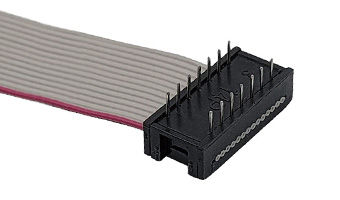
An internal run inside the cabinet took grey flat cable with 28AWG tinned copper conductors. Its insulation was PVC, it passed the vertical flame tests the UL and CSA standards require, and its temperature and voltage ratings covered equipment interiors.
A run that bent around a chassis moved the answer to hook-up wire, which stays flexible where the cable has to follow the chassis.
A cabinet full of inverters and switching supplies needed a shield as well: aluminium foil or tinned copper braid, measured across the gigahertz band.
Past five meters the shield went in or the conductor grew, because resistance and coupled noise climbed together over the distance.
IDC Socket or Crimp Terminals
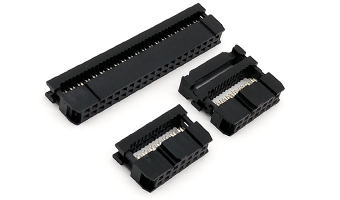
The port and the volume chose the terminal. An IDC socket pressed the ribbon onto insulation-displacement blades in one stroke, and pitch picked the part. The common 2.54 mm size covered the printer, the industrial controller and the PCB header.
Crimp terminals took the interfaces an IDC socket could not reach, down to the smallest pitches on instruments.
The fit needed checking either way. An IDC blade had to reach through the insulation to the copper. A barrel had to close on stranded wire with enough force. A current margin of one fifth kept the contact inside its rating, and phosphor bronze with tin or gold plating covered the oxidation risk.
The Pin Error a Crossed Cable Invites
Two drawings sat on one bench. One was straight. One was crossed. An operator picked the sheet that matched the length, built the cable, and the cable looked right until someone tested it.
Posting the pin correspondence at the station fixed that. Both patterns went up side by side, and the first article was checked against the drawing before the run continued.
How Each Assembly Is Verified Before It Ships
The Tests That Prove the Pin Map
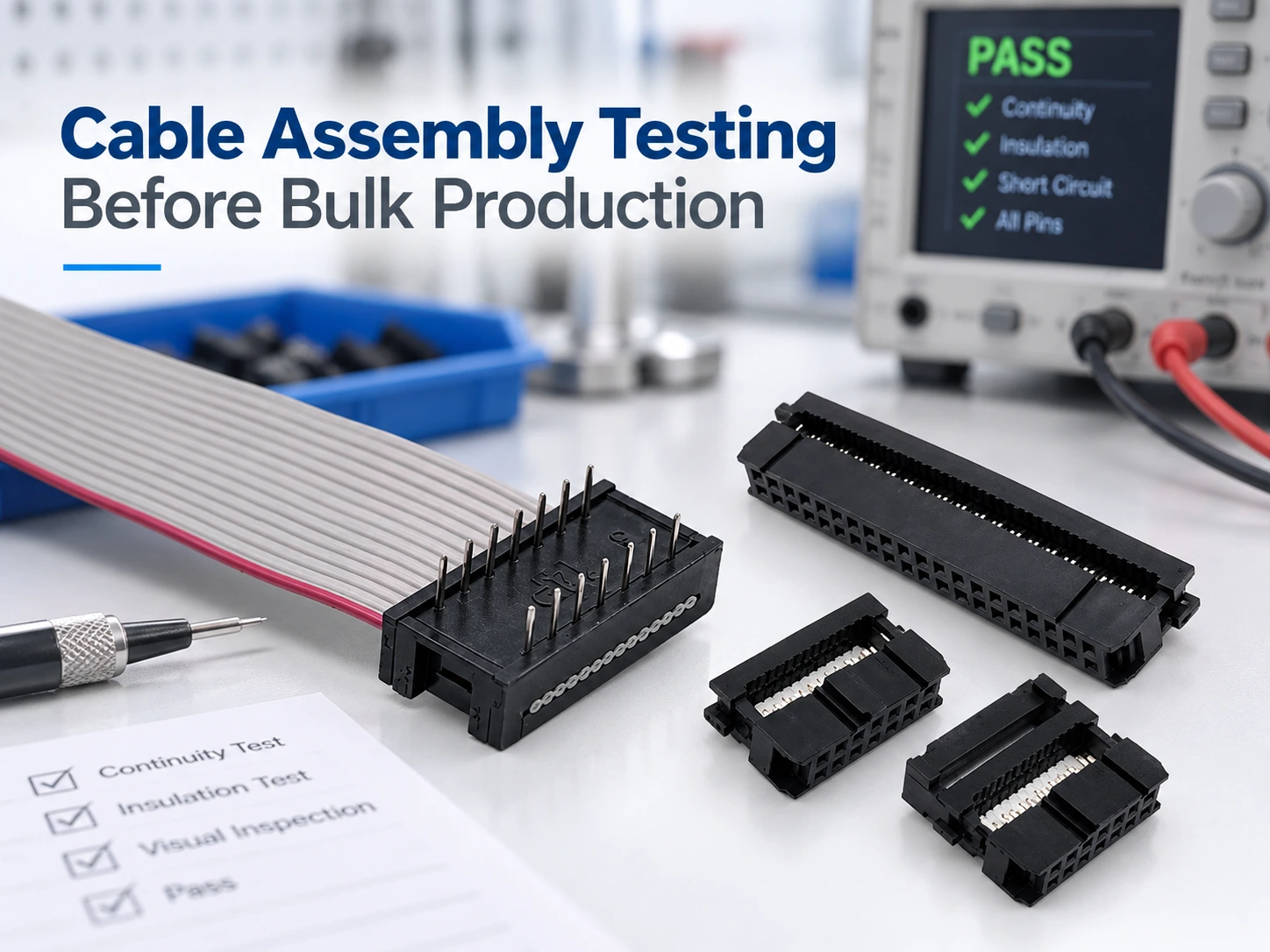
Continuity went first, pin by pin, against the drawing. It caught a crossed cable built straight and a straight cable built crossed, and both of those looked correct to the eye.
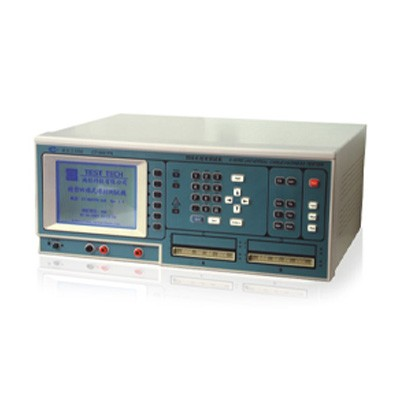
Contact resistance came next, and a custom construction was held to 15 milliohms or less. Insulation resistance ran into the hundreds of megohms. Every terminal took a pull test, because a crimp with too little force could hold at test and open in the field. Where a shield was fitted, its effectiveness was measured.
Every serial and COM assembly built by LUONYX was tested piece by piece before it was packed.
The Raw Material and Process Checks Behind It
Most of those failures started long before assembly. A crimp that was set too low left the conductor loose in the barrel. Plating that had oxidised raised the resistance at the joint. An IDC blade that stopped short of the copper left a circuit that read open.
Each cause had a setting that removed it. Crimp force was calibrated to the wire diameter. Incoming wire and terminals were screened against the specification before they were stored. Cutting blades were set so the insulation was scored and the conductor stayed intact.
What Belongs on the Drawing
The drawing named the pins and their correspondence. It added the cable type, the length, the connector pitch, and the acceptance criteria for continuity and pull strength. Every test on the line compared a cable against that drawing. An order without one left the inspector comparing a cable against an idea.
Where a Standard Product Still Needs Work
Catalogue parts covered the common pattern. Where a cabinet needed several ports, a multi-serial-port flat cable assembly carried them on one ribbon with the crossover built into the cable. A panel handled in service took a reinforced molded COM nine-pin serial cable, where the moulded shell took the wear instead of the joint. Where the port count, the shell or the pitch ran outside the catalogue, the ODM/OEM cable program fixed the pin map, the connector and the test criteria in a drawing before production began.
Conclusion
The two ports settle the cable. Same signal direction on the data pins and the pair crosses. Opposite directions and every pin passes straight. The standard leaves the handshake wiring open, so the crossover belongs in the specification. The continuity test then checks the pin map on every unit.
FAQs
Q1: Can an adapter replace a null modem cable?
A1: It does the same job and adds two connector interfaces to the link. That works on a bench. Inside equipment with limited space, two extra interfaces are two more joints to secure. Build the crossover into the cable.
Q2: Does every null modem cable cross the handshake lines?
A2: No. The three-line version crosses transmit, receive and signal ground, and it suits a link that streams without waiting. A device that holds its data until it reads a permission signal needs the handshake lines crossed as well. Its port documentation names those lines.
Q3: What should a purchase order state?
A3: The pin correspondence with the numbers named, the cable type, the length, the connector pitch, and the acceptance criteria for continuity and pull strength. With those items on the drawing, the delivered cable is verified against the order.