

Bảng nội dung
Tin tức liên quan
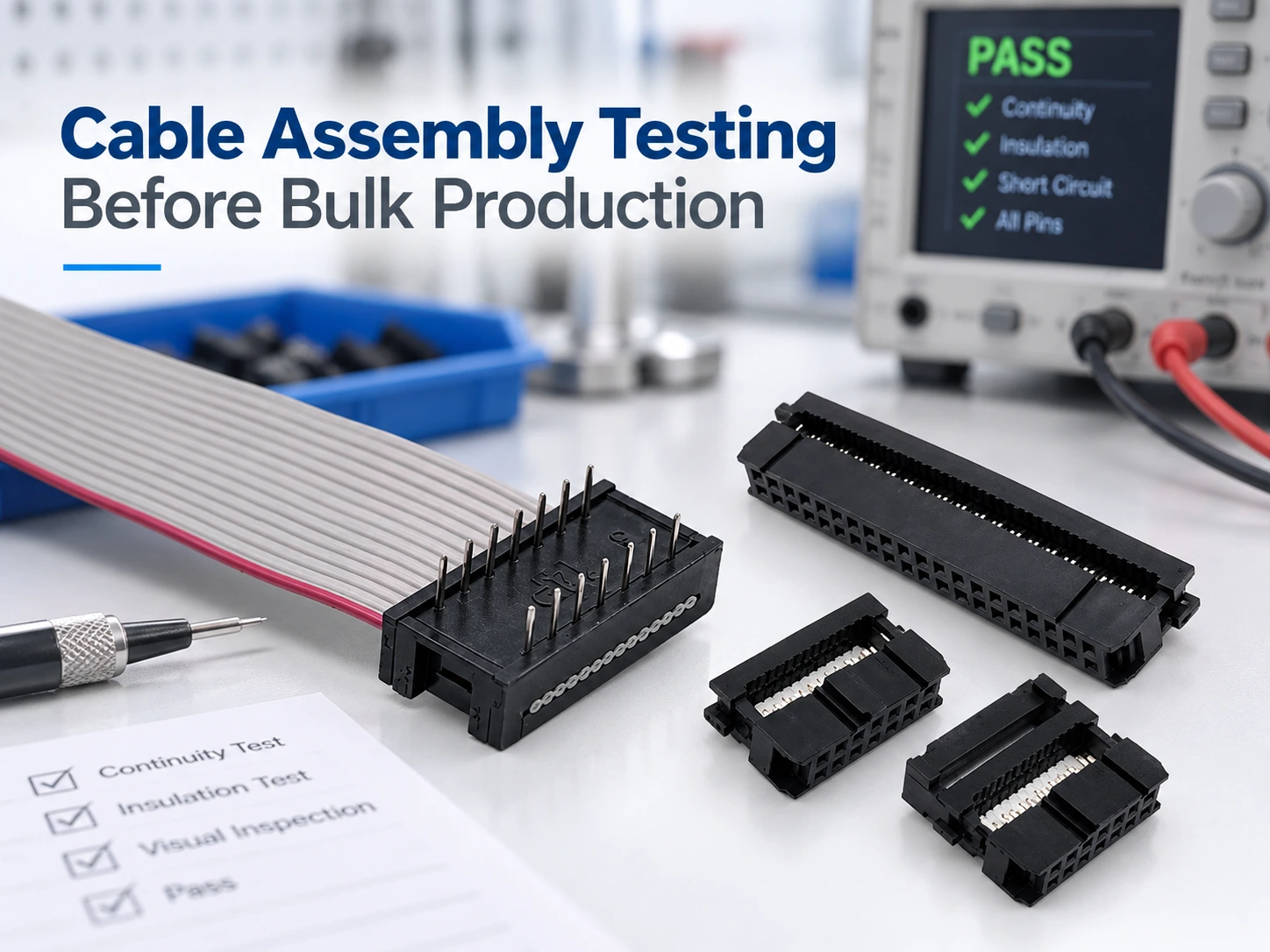
Why Do Ribbon Cable Assemblies Wear Out in Industrial Applications?
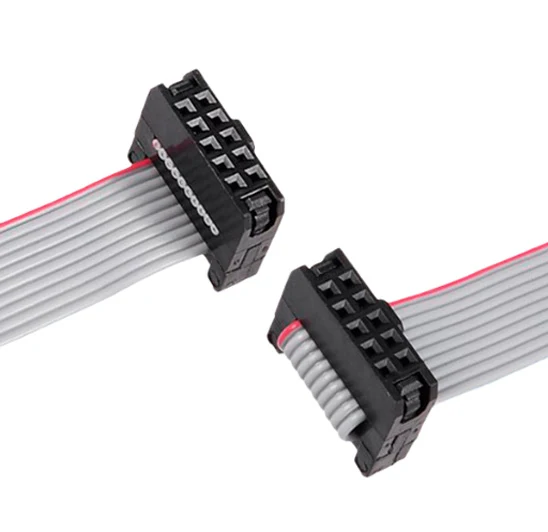
Ribbon cable assemblies typically fail due to several simple reasons: poor IDC contact, wrong connector to cable, wrong pin mapping, sharp bend, weak retention, damaged insulation, or unforeseen electrical noise during equipment setup. A perfectly normal looking cable on the workbench can fail miserably after being folded into a chassis, subjected to vibration or located too close to switching power supplies.
So, instead of only blaming the cable for connection problems, troubleshooting needs to consider the complete connection path. For industrial applications, connector, cable, PCB connector, pin assignment, mechanical design of the connection and test method all affect the performance of a finished assembly after it has been installed.
Where Do Ribbon Cable Assemblies Usually Fail First?
The connector end is often where problems like this first reveal themselves. The IDC ribbon cable is only as good as the last cut of the contact through the insulation to the correct wire. Even if one of them is only slightly higher than the others, it may appear to be connected fine at a glance later to cause random intermittent problems with the signal.
What Does Poor IDC Termination Look Like?
An IDC joint can fail for several reasons. There may not be consistent force on the IDC; the cable may enter the connector at an unusual angle; the contact may not be seated in the insulation; the connector housing may not close fully; or a bent contact can cause similar problems.
The key issue with fault detection is that there is not necessarily a simple open circuit. Contact pressure can change with movement. A device may operate, then fail, then operate again after the cable has been touched.
Continuity should be checked together with seating of the connector, alignment of the cable, contact condition and retention. Stable processes in production also require the correct tooling and verification of the first items before dispatching a large batch.
Why Does Connector Retention Matter After Installation?
When your product is put into a real environment and put into a real enclosure, that cable that was lying flat on your work bench is now bent around a board edge, stretched by another cable harness and moved for servicing of the unit.
A locking structure or a suitable strain-relief can transfer this load to a structural part and keeps it away from the electrical contact. This feature is especially important for applications exposed to vibrations or subject to frequent disconnection and connection. Weak retention may not cause any immediate problems but can make a less-than-perfect connection fail.
Can the Wrong Pitch or Pin Map Cause a Cable to Fail?
Yes. A neat cable can still be wrong for the equipment it is intended to connect.
Why Should Connector Pitch and Conductor Spacing Be Checked Separately?
It’s a common mistake to treat the connector pitch and the ribbon conductor pitch as if they were a single specification. Although related, they are actually quite different.
The example of a 2.54mm IDC socket connects UL2651 28AWG flat cable built up with 1.27mm conductor spacing. Smaller connector families may be wired up with conductor spacing of 1.0mm or even 0.635mm. All of these connector families will need to have their corresponding mating headers, cable spacing, pin count, tooling and finished dimensions rechecked if the connector family is changed during a project.
2.54mm IDC flat cable assembly is a conventional industrial type cable. It supports 6–64P connectors. This cable is made of UL2651 28AWG tinned-copper flat cable. As this cable is flat, it is very suitable for limited vertical space applications where the wires have to stay in order.
Why Can Perfect Continuity Still Hide a Wiring Error?
Continuity checks for a path between two points but does not verify if the tested end of each wire is the correct end.
Pin 1 orientation, full pin mapping, straight-through wiring, and crossover wiring have to match the connected devices. A reversed connector can create a cable where every conductor is continuous but several signals land on the wrong pins.
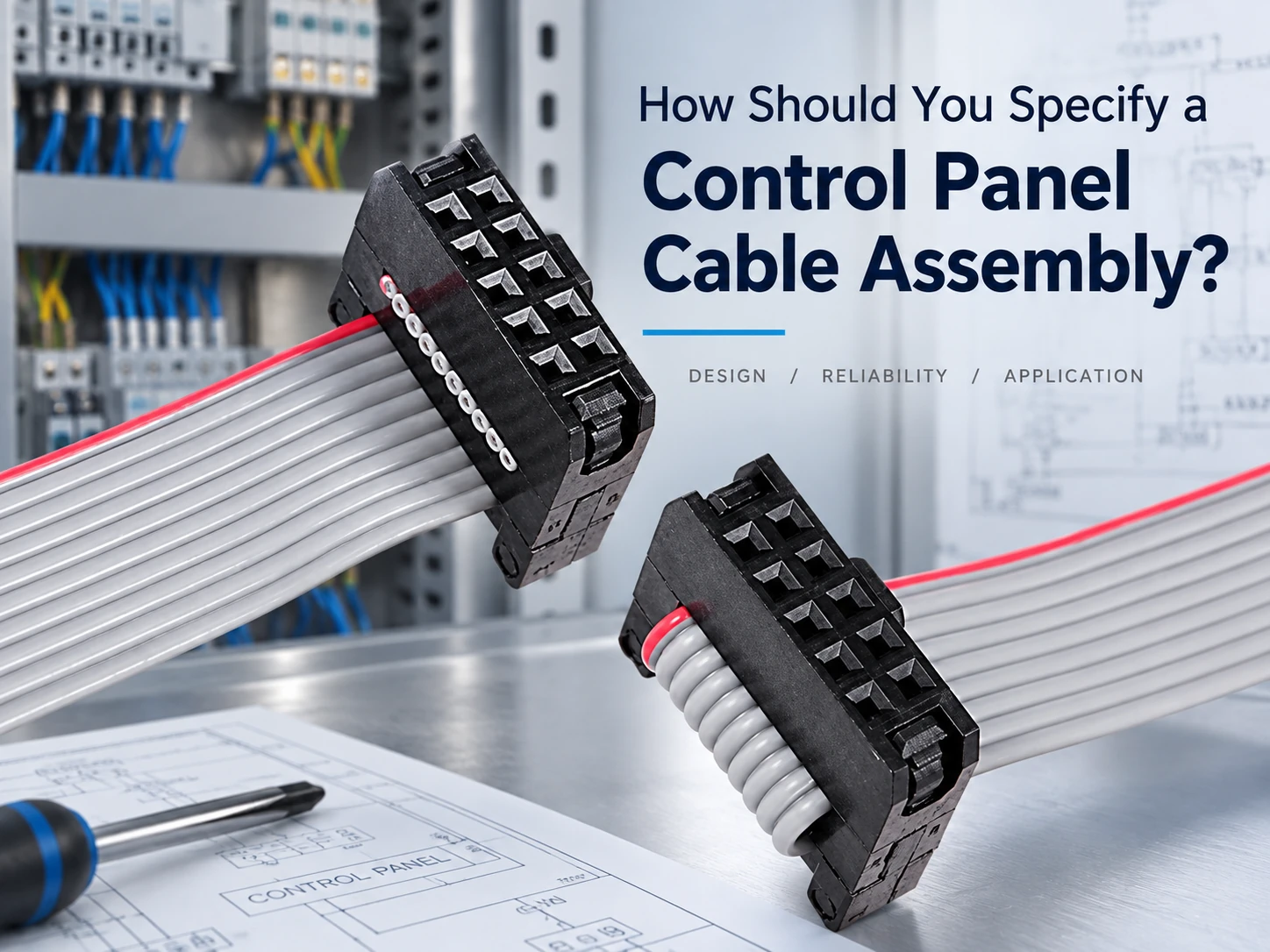
The red edge on the grey ribbon cable helps to orient the cable, but it is not a substitute for a proper wiring diagram. When TX, RX, ground, or control signals are involved, it is wise to check the connections at both ends of the cable against the related equipment.
Why Does Routing Turn a Good Cable Into a Bad One?
Flat cable assemblies save space and keep cables and conductors well organized. However, due to their shape, flat cable assemblies are often folded up tightly in order to fit into very narrow enclosures. And it is here that a mechanically clean-looking installation can go wrong.
What Happens When the First Bend Is Too Close to the Connector?
This area already has local mechanical stress as it is a connector exit. Adding a sharp fold immediately adjacent to the housing will increase local stress in this area.
A big issue with sampling after service is when a tech opens up a unit to move a cable, reconnects a board, and then closes up the cover. Each of these actions can cause significant wear to the insulation or conductor near the termination point, even if initially the sampled piece looked to be in good shape.
A better cable drawing than just stating the length also requires consideration of the cable exit direction, free length, fold points and cable clearance from the mated connector.
Which Enclosure Details Should Be Checked?
Edges of sheet metal, mounting posts, moving covers, heat sinks, fan housings, screws, etc. all get draped with cables and can pinch them without anyone knowing during final assembly of the product. A cable harness is another example.
Abrasion is another of those slow failure modes. Insulation may rub against a hard edge during vibration and fail weeks or months later.
Reviewing the wider range of IDC flat cables before finalizing your drawing can often help to find an alternative to solve the routing problem within the enclosure instead of trying to make one single cable assembly fit into all of them.
When Is EMI Really the Problem?
In industrial equipment signal problems are often blamed on electromagnetic interference. Sometimes this is really the cause. Often however the cause of signal problems is a simple weak contact, a damaged wire, a poor earth point or a mis-connected pin.
What Should Be Ruled Out Before Adding Shielding?
Start with a repeatable fault. Does the problem occur when a motor starts, inverter changes speed, relay switches, etc., or does it occur when power supply goes to a heavier load?
If it does, check out the cable route and the grounding. And, while you’re at it, re-check the connector seating, the continuity, the pin mapping and any visible cable damage. Your shielding is for a known interference problem, not to hide a connector problem.
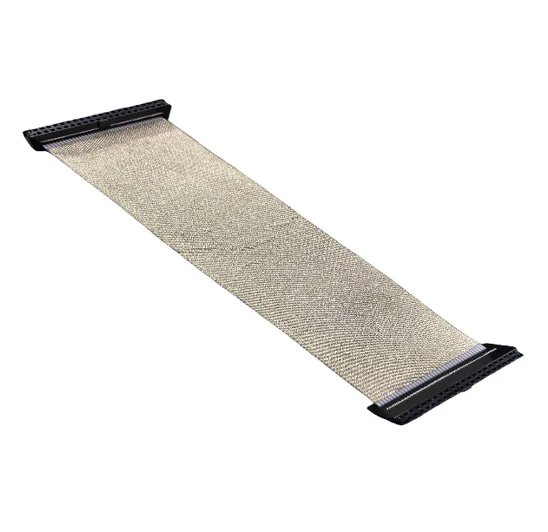
While navigating noisy locations, you may need to switch to a shielded IDC ribbon cable. LUONYX Shielded IDC flat cable assembly for professional internal wiring of equipment is offered for 06–80P configurations, various interface pitches, as well as with wire spacing of PH1.27mm, PH1.0mm, and PH0.635mm. It is wrapped with conductive-fabric for additional shielding and protection against mechanical stress.
Why Can a Shielded Cable Still Perform Badly?
Shielding is another part of the assembly that needs to be built correctly. Even small gaps, cuts or areas of loose coverage can cause it to lose value and even become non-functional. The ground path must also be defined.
Yes, routing of the shielded cable still matters. Although a shielded cable is allowed to be placed anywhere in the machine with sensitive signal lines, the equipment layout, noise source, grounding, cable length and shield termination must all work together.
What Should Buyers Freeze Before Approving and Reproducing the Sample?
A useful sample isn’t just a cable that looks right to you. It’s a cable with enough information in it to make it easy to reproduce the sample later.
Which Specifications Belong on the Drawing or RFQ?
Minimum requirements for a connector specification are: connector type, connector pitch, number of pins, cable specification, conductor spacing, cable length, angle of Pin 1, complete pin map, locking mechanism, and/or shielding requirements. Also, for very confined areas within a machine, the cable route through the machine should be specified.
Mating information for ribbon cable connectors such as a PCB header drawing or the part number of the mating connector or a clear interface description is useful early on to avoid confusion later on.
LUONYX’s product range covers 1.27mm, 2.0mm, and 2.54mm IDC formats along with custom pin counts, cable lengths, shielding options, and mixed-interface assemblies. That range makes it easier to keep one design concept while adjusting the interconnect to suit different boards or enclosure layouts.
Why Should the Sample Be Tested Inside the Actual Machine?
A cable left loose on a workbench does not experience the same environment as a fully installed cable.
Run the samples through the install route of your choice, then close up the enclosure. Cycle the machine through startup, switching, normal running and other stressful electrical or mechanical situations. Verify movement of the cable during maintenance activities as well.
It is much more valuable to test a sample that can survive contact with the actual equipment than one that passed test for dimensions and continuity only.
What Should the First-Piece Check Include?
When checking the first production pieces against the approved drawing and sample please ensure that all are correct including connector orientation, finished length, cable direction, markings etc. and that the pin map and general workmanship are visible.
Even small changes to the wiring of simple flat cable assemblies can lead to functional changes which are not always immediately apparent from visual inspection of the end product.
Which Checks Are Worth Keeping for Every Batch?
For continuity tests add pin-map verification, connector seating tests, cable insulation tests, cable length tests and cable retention tests wherever applicable. For shielded cables also test the conductive layer and end treat the conductive layer as applicable.
For projects using multiple connectors of similar type, labelling or special features to prevent mistakes during assembly can be important. Additionally, using tinned-copper conductors, PBT-connector-housings, lock features and well-controlled pitch values can provide a solid basis for repeatable production of finished assemblies.
LUONYX integrates the production of cables and connectors. This is highly advantageous in case of changes to length, pitch, number of pins, shielding, end connections or wiring. In all these cases a complete re-design of the connection concept can be avoided.
Please email LUONYX with the drawing and/or sample requirements for a new project or for a cable that is currently intermittently failing. We will be happy to review the requirements for the connector, cable, route etc. and advise on any additional inspection points that may be required prior to production of the next batch of cables. For applications that span more than one internal wiring format, customers can begin with LUONYX’s cable and connector solutions.
Câu hỏi thường gặp
Q1: What causes poor connections on Ribbon Cable assemblies to be intermittent?
A1: Causes of marginal contact include: IDC not fully inserted; connector not fully seated; insulation damaged; excessive wire bending near the connector; connector not fully locked in place; wire assembly subject to movement after installation. A marginal contact may test out for static continuity but fail when subject to flexure or vibration.
Q2: Can an IDC ribbon cable pass a continuity test and still be faulty?
A2: Yes. Continuity confirms that there is a conductive path but does not confirm all conductors connect to the intended pin. Pin 1 orientation, straight-through or cross over wiring, full pin mapping and connector orientation all must match the unit being connected.
Q3: What should buyers specify for custom flat cable assemblies?
A3: Define connector type, pitch, pin count, cable specification, conductor spacing, length, Pin 1 orientation, full wiring map, locking needs, shielding requirements, and the installed route. Mating connector or PCB information is also useful when the interface is already fixed.