
جدول المحتويات
أخبار ذات صلة
هل يُسبب كابل DisplayPort 1.4 وميضًا؟ مواصفات تحافظ على استقرار الشاشات عالية الدقة
نادرًا ما يُولى كابل الشاشة اهتمامًا كبيرًا إلا عندما تبدأ الشاشة بالوميض في أسوأ الأوقات. تعمل إحدى الشاشات بسلاسة، بينما تنخفض سرعة تحديث شاشة أخرى. يعمل جدار الفيديو بشكل جيد في غرفة العرض، ثم يبدأ بعرض شاشات سوداء بعد التثبيت. في كثير من هذه الحالات، لا يكون الكابل خاطئًا تمامًا، بل هو ببساطة غير متوافق مع دقة الشاشة ومسارها والظروف الكهربائية المحيطة.
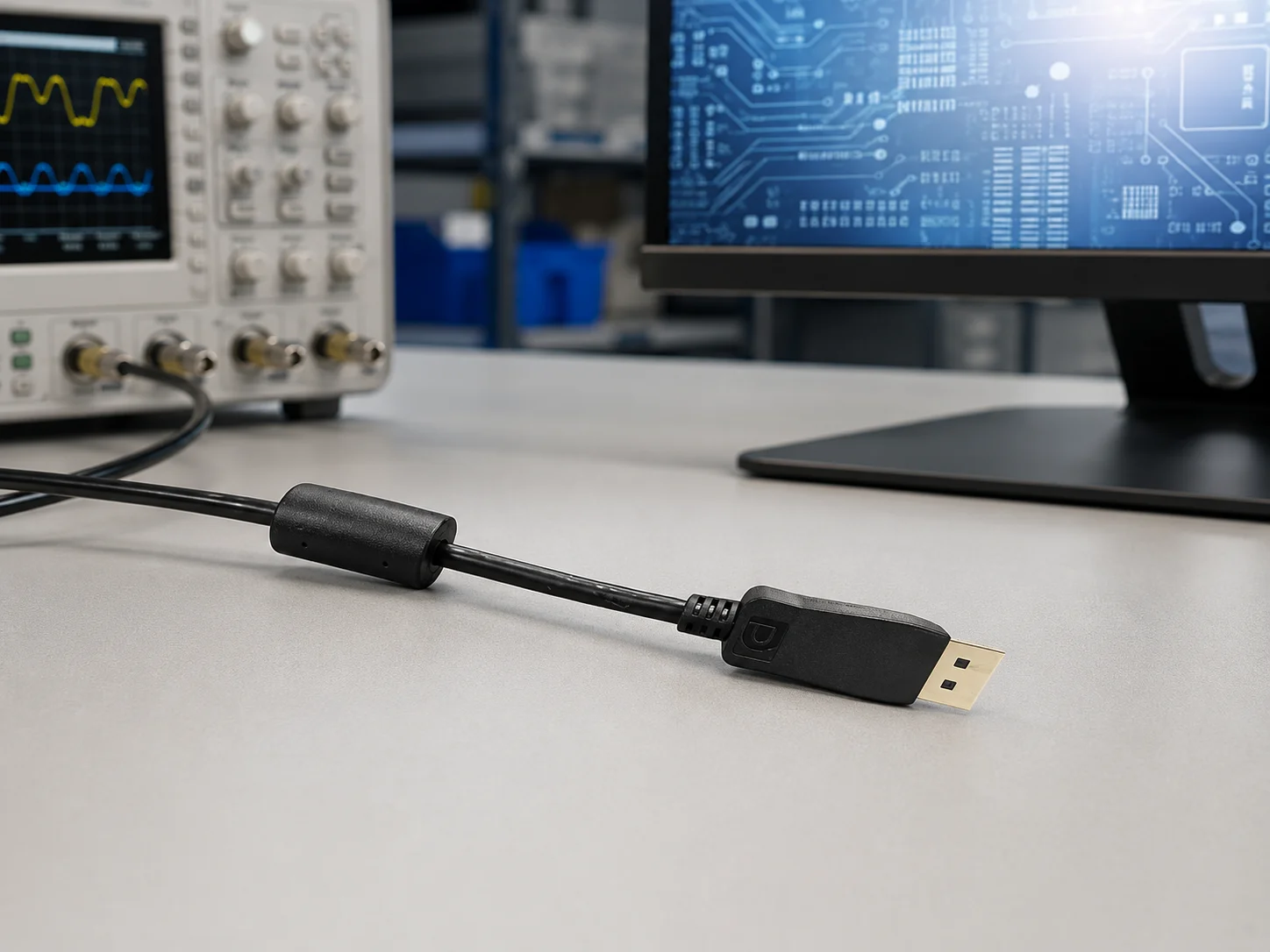
لهذا السبب، تستحق مواصفات كابلات DisplayPort نظرة فاحصة قبل تقديم طلب شراء بالجملة. يجب أن ينقل كابل DisplayPort 1.4 أكثر من مجرد إشارة صورة بسيطة. يجب أن يحافظ على ثبات التوقيت وعمق الألوان واكتشاف الجهاز ومعدل التحديث العالي طوال مسار الكابل. كابل منفذ العرض يتميز هذا الجهاز بواجهة DisplayPort ذكر-ذكر، وبنية زوجية ملتوية محمية عالية الكثافة، ونواة فيريت مدمجة، وطلاء ذهبي دقيق، وطول قابل للتخصيص. هذه التفاصيل هي أساس العديد من مشاكل الاستقرار في الاستخدام الفعلي.
لماذا يظهر الوميض في إعدادات العرض عالية المتطلبات؟
قد يواجه الكابل الذي يعمل مع شاشة مكتبية عادية صعوبة في بيئات أكثر تطلبًا. فغالبًا ما تتطلب محطات العمل التصميمية، وعربات التصوير الطبي، وجدران المراقبة، وطاولات الاختبار، وأنظمة المؤتمرات، من الكابلات التعامل مع دقة أعلى، ومعدل تحديث أسرع، وألوان أكثر عمقًا، أو مسار أطول مما صُممت له الكابلات التجارية.
لا تُشير العلامة الأولى دائمًا إلى عطل كامل. فقد تكون وميضًا قصيرًا بعد التشغيل، أو عدم استقرار في اكتشاف الجهاز، أو تشويشًا على إحدى الشاشات في نظام متعدد الشاشات، أو شاشة لا تعمل إلا بعد إعادة توصيل الموصل. يسهل تجاهل هذه الأعطال البسيطة أثناء الفحص الأولي، ولكن بمجرد شحن الجهاز، تتحول إلى طلبات صيانة.
في المشاريع عالية الدقة، يجب أن تحاكي العينة التجريبية العمل الفعلي بأكبر قدر ممكن من الدقة. استخدم طراز الشاشة المقصود، ومصدر الرسومات، وطول المسار، ومعدل التحديث، والمعدات المجاورة. خمس دقائق من الهدوء على شاشة مكتبية مفيدة، لكنها لا تُثبت فعاليتها لشاشة بدقة 8K، أو محطة تصوير طبي، أو نظام غرفة تحكم.
ابدأ بهدف الإرسال
يجب أن يحدد ملف المصدر المعيار، وليس الموصل فقط. فعبارة "كابل DP" غير دقيقة عند وجود شاشة عرض محددة للمشروع. يوفر كابل DisplayPort 1.4 نقطة انطلاق أوضح للمهندسين ومسؤولي الشراء، خاصةً عند استخدام دقة 4K أو 8K أو HDR أو معدل تحديث عالٍ.
تُشير شركة LUONYX إلى دعمها لدقة 8K بمعدل 60 هرتز، ونقل البيانات بسرعة 32.4 جيجابت في الثانية، وعمق ألوان 30/36/48 بت، وتقنيتي HDR10 وDolby Vision، ومعدل تحديث يصل إلى 240 هرتز. يجب أن تتوافق هذه الأرقام مع جهاز المصدر، ووضع العرض، ومسار الكابل، وطريقة الاختبار، وليس مجرد بيانات شكلية.
وهنا أيضاً تكمن المشكلة في تداخل المتطلبات. فإذا كان أحد الطلبات يشمل شاشة مؤتمرات بسيطة بدقة 4K اليوم، ونموذجاً محتملاً بدقة 8K لاحقاً، فيجب توضيح ذلك قبل تصنيع العينات. قد يكون نفس هيكل الكابل مناسباً، أو قد يحتاج المشروع إلى نسختين. كلا الخيارين أفضل من اكتشاف الحد الأقصى بعد الإنتاج.
تعامل مع طول الكابل كخيار تصميم حقيقي
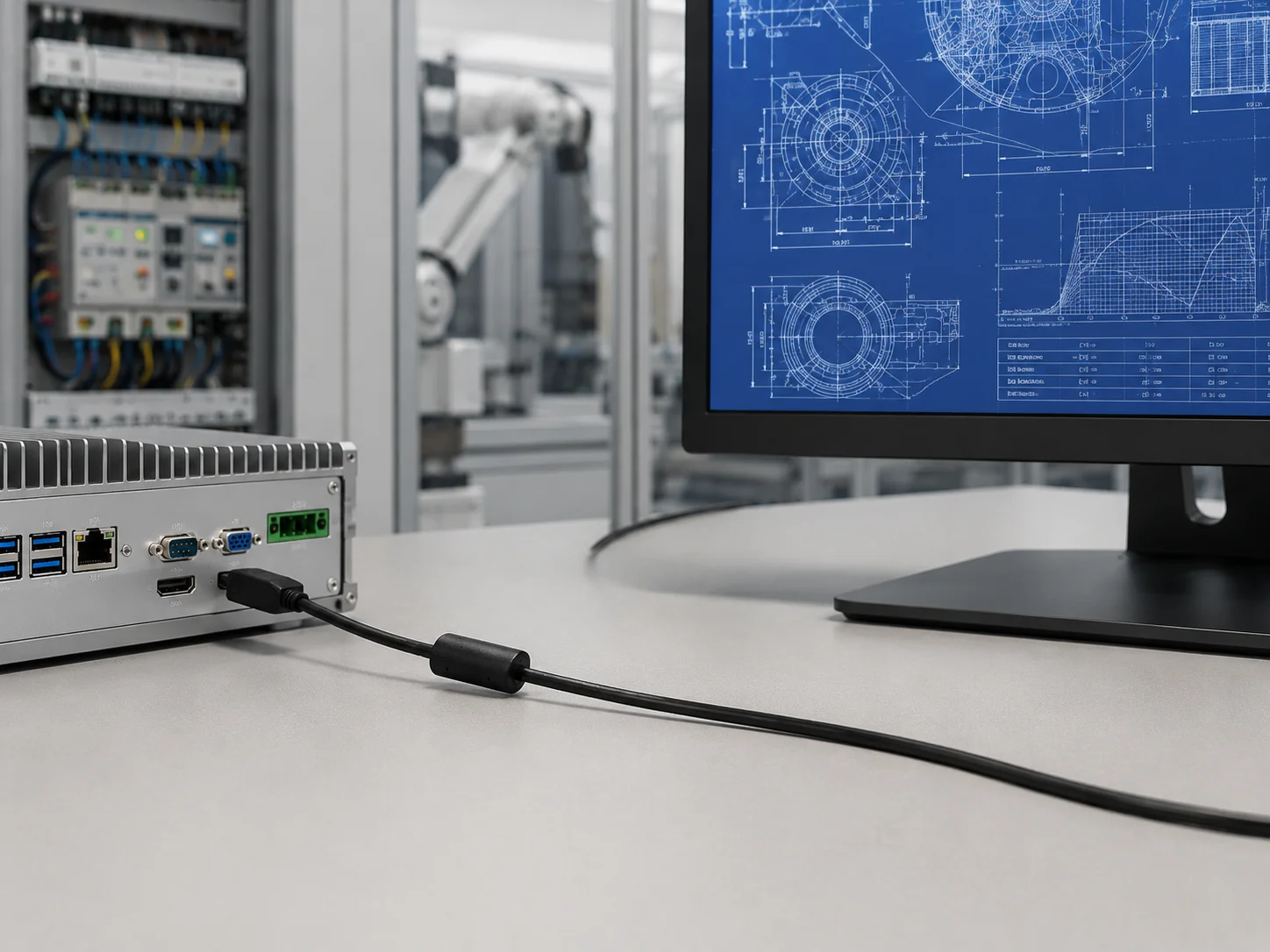
غالبًا ما يُنظر إلى طول كابل DisplayPort على أنه مجرد تفصيل في عملية التغليف. عمليًا، قد يؤثر ذلك على ثبات الشاشة. فالكابلات الطويلة تُسبب فقدان الإشارة، وتغيرات في المعاوقة، وتداخلًا من الأجهزة المحيطة. حتى مسار الكابلات الأنيق خلف الخزانة قد يُشكل بيئة كهربائية قاسية.
قد يؤدي طول الكابل القياسي في المتاجر إلى تراكم جزء زائد منه بالقرب من وحدة الطاقة. أما الكابل القصير فقد يضغط على المنفذ بعد تركيب الشاشة. كلا الحالتين غير مثاليتين. تدعم LUONYX إمكانية تخصيص طول الكابل، مما يتيح للمشترين اختيار الطول المناسب للمسار الفعلي بدلاً من إجبار التركيب على التوافق مع طول قياسي.
قبل طلب كابل DisplayPort مُصمّم خصيصًا، صف مسار الكابل بدقة. أين ينحني؟ هل يمرّ فوق محرك، أو وحدة تغذية طاقة، أو محوّل، أو أسلاك تحكّم كثيفة؟ هل سيقوم الفنيون بتحريكه أثناء الصيانة؟ تساعد هذه التفاصيل المورّد على تحديد الطول، والتدريع، وطريقة التعامل مع الموصل، وظروف الاختبار. يجب أن يحلّ كابل DisplayPort المُصمّم خصيصًا مشكلة تداخل مسارات الكابل، لا أن يضيف أمتارًا فقط.
تفاصيل الحماية، واللب الفريتي، والموصل
لا يعود سبب العديد من شكاوى الوميض إلى تلف الكابل. فالكابل يعمل، لكنه يعمل في بيئة صاخبة. قد تتواجد أجهزة الكمبيوتر الصناعية، ومعدات المراقبة، وعربات الإسعافات الأولية، ووحدات تحكم LED، وأنظمة المؤتمرات بالقرب من مصادر الطاقة، والمحولات، والأجهزة اللاسلكية، أو الأسلاك المجمعة. وهنا تبرز أهمية تصميم الحماية والقلب الفريتي، فهما ليسا مجرد ميزات إضافية.
يستخدم منتج LUONYX بنية زوجية مجدولة محمية عالية الكثافة، ونواة فيريت مدمجة لمقاومة التداخل. كما تُدرج الصفحة أيضًا مقاومة تفاضلية تبلغ 100 أوم ±10%، وفقدان عودة عند أو أقل من -26 ديسيبل عند 10 جيجاهرتز، وفقدان إدخال عند أو أقل من -2.5 ديسيبل عند 10 جيجاهرتز. تُتيح هذه القيم لفرق الهندسة التحقق من جوانب أخرى إلى جانب المظهر الخارجي للكابل.
ملاءمة الموصل والطلاء
يستحق موصل DisplayPort اهتمامًا خاصًا، إذ يتم لمسه أثناء التجميع، واستكشاف الأعطال وإصلاحها، والتنظيف، والصيانة. كما أن تثبيت موصل DisplayPort بإحكام يُسهّل عمليات الفحص المتكررة ويجعلها أكثر دقة. قد يجتاز سطح التلامس غير الجيد الفحص الأولي، ولكنه قد يُسبب مشاكل بعد التعامل المتكرر معه. تستخدم LUONYX طبقة طلاء ذهبية دقيقة (3 ميكرومتر) على سطح التوصيل لتعزيز مقاومة الأكسدة وضمان تلامس أنظف مع مرور الوقت.
يمكن أن تساعد قواعد الألوان والعلامات أيضًا. ففي مجموعة معدات تحتوي على كابلات USB والطاقة والتحكم وHDMI والشاشة، يمكن أن يمنع استخدام لون أو علامة مختلفة للكابلات حدوث أخطاء في الموقع. قد يبدو الأمر بسيطًا، لكن الأمر يصبح واضحًا عندما يقوم فني التركيب بتوصيل الكابل الخاطئ داخل الخزانة. كما يمكن للمشترين الذين يقارنون بين خيارات كابلات الإشارة الأخرى مراجعة منتجات LUONYX. الأسلاك الخارجية تصنيفها بدلاً من وضع عدة وظائف واجهة تحت عنصر كابل غامض واحد.
خاتمة
لا يقتصر استقرار الشاشة على جودة العرض فحسب، بل يعتمد على مسار الإشارة بالكامل: جهاز المصدر، ودقة العرض المستهدفة، ومعدل التحديث، وطول الكابل، والتدريع، وقلب الفريت، وطلاء الموصل، وطريقة تركيب الكابل. تُتيح مواصفات كابلات DisplayPort الجيدة معرفة هذه النقاط قبل الانتقال من مرحلة العينة إلى مرحلة الإنتاج.
بالنسبة لشاشات العرض الصناعية عالية الدقة، وأنظمة المؤتمرات، والتصوير الطبي، والمراقبة، ومحطات العمل التصميمية، تُعدّ طريقة الموافقة الأكثر أمانًا عمليةً. اختبر الكابل باستخدام وضع العرض الفعلي، والمسار الفعلي، وتصميم المعدات الفعلي. يوفر كابل DisplayPort 1.4 ذو التدريع عالي الكثافة، ودعم قلب الفريت، والطلاء الذهبي الدقيق، والطول القابل للتعديل، أساسًا أقوى للفريق لإجراء هذه المراجعة.
بالنسبة للمشاريع التي تتطلب طول كابل DisplayPort خاص، أو قواعد ألوان محددة، أو ضغط توجيه، أو متطلبات خاصة بمجموعة المعدات، يُرجى المناقشة. دعم التصميم والتصنيع الأصليين/التصنيع الأصلي للمعدات قبل الإنتاج. بمجرد أن يصبح جهاز المصدر، ونموذج الشاشة، ومخرجات الهدف، والمسار، والكمية واضحة، اتصل بشركة LUONYX للحصول على مراجعة للكابلات تتناسب مع عملية التركيب بدلاً من مجرد اسم المنفذ.
الأسئلة الشائعة
س1: هل يمكن أن يتسبب كابل DisplayPort في وميض الشاشة؟
ج1: نعم. يمكن أن يحدث الوميض عندما لا يدعم الكابل أو جهاز المصدر أو وضع العرض أو طول المسار أو التداخل المحيط الدقة المستهدفة ومعدل التحديث بشكل موثوق.
س2: هل يؤثر طول كابل DisplayPort على استقرار الشاشة؟
ج٢: نعم. قد تؤدي المسارات الأطول إلى زيادة فقدان الإشارة وخطر التداخل، خاصةً بالقرب من كابلات الطاقة أو خزائن التحكم أو المعدات المتحركة. يجب اختبار الطول باستخدام وضع العرض الفعلي.
س3: متى يكون كابل DisplayPort المخصص مفيدًا؟
ج3: يكون ذلك مفيدًا عندما لا تتناسب أطوال الكابلات القياسية أو ألوانها أو سلوك التوجيه مع تخطيط المعدات أو مسار الخدمة أو خطة التعبئة والتغليف أو متطلبات التثبيت على دفعات.